 Chessory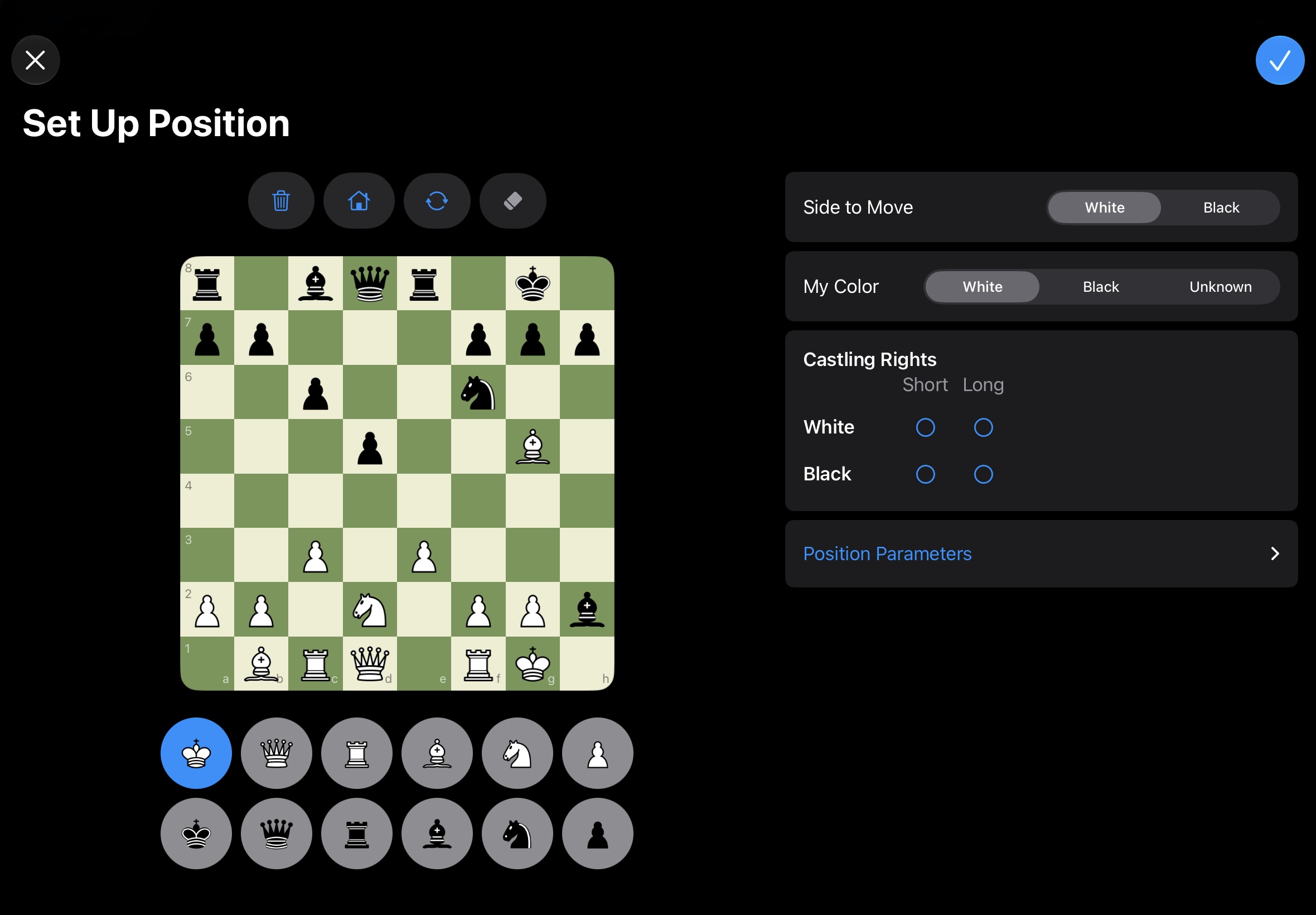
How it works
- Manual game entry: enter games you played at the board, for example at your club, and analyze them like any other.
- Free position setup: set up any position and analyze it, without entering a whole game first.
- FEN import: bring in an existing board position in FEN format.
- PGN import and export: bring PGN games into your database, or export them to share and use in other chess programs.
Pro tips
For Lichess and Chess.com games, syncing from your game list is usually the easiest way – see “All in one place”.